In brief
We work for freelancers and companies of up to 50 people. Your Odoo runs on your server: we install it, configure it and maintain it. Our five areas are detailed below. This site is itself built with Odoo Community, on a server we manage.
Your server and your Odoo
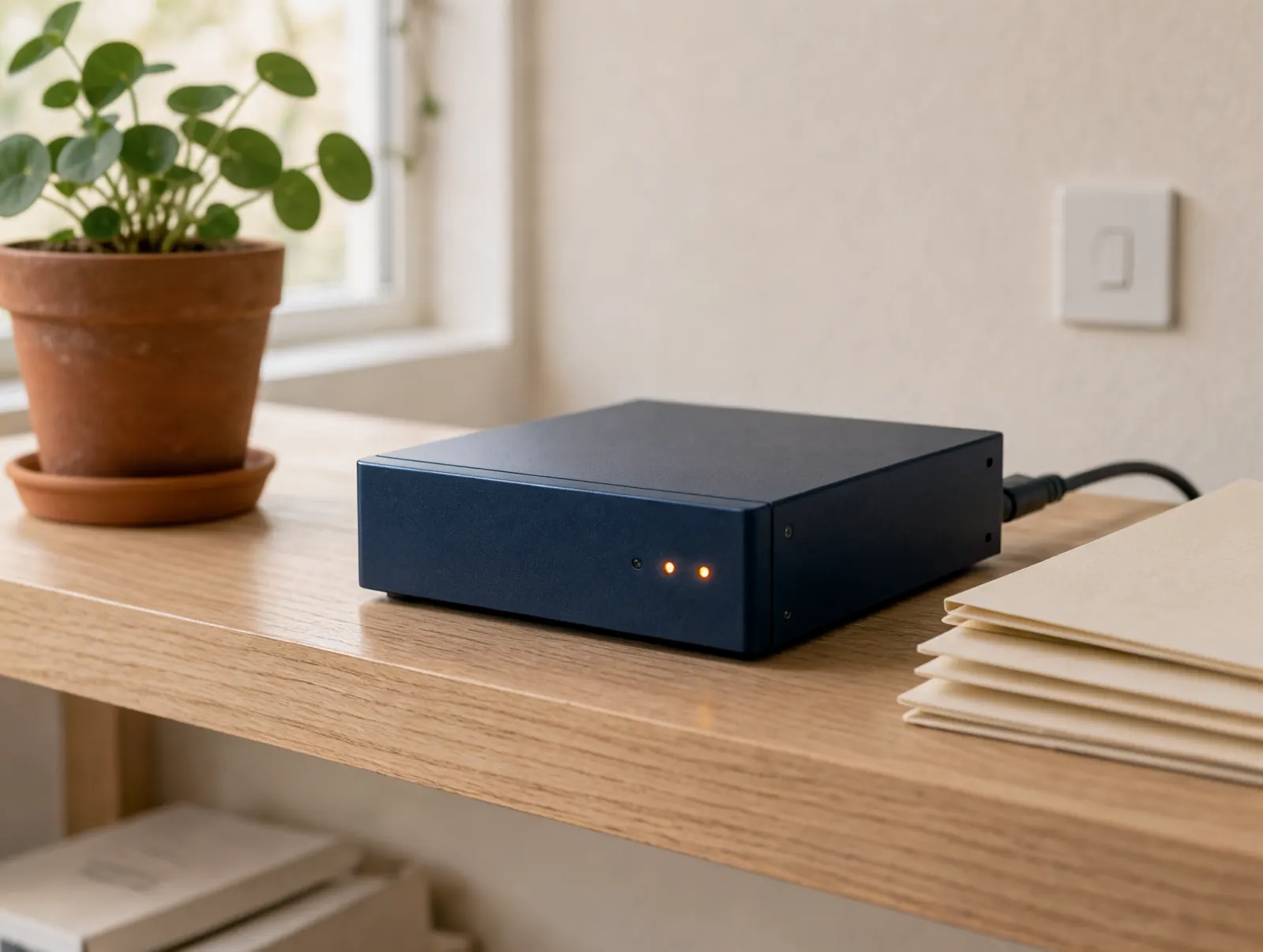
- Your server: if you don't have one, we reserve and configure it for you at Hostinger or OVH. If you have one, we install Odoo on it.
- Server management: maintenance, system updates, backups of your database and your files.
- Odoo Community day to day: configuration, modules added or removed when your business changes, upgrades to new versions at a time that suits you.
- Users, roles and permissions: we set them up when people join, leave or change roles.
- Financial setup: chart of accounts, taxes, journals, bank accounts, payment terms.
We tell you how often backups run and how long they are kept before the system goes live.
Websites and online shops
- Your website, built with Odoo: you edit it yourself, page by page.
- Your online shop: orders arrive in Odoo, with inventory and invoicing.
- Requests sent through a form on the site become opportunities in your Odoo.
Automated communication and marketing
- Newsletters: your email campaigns, prepared and sent from Odoo, from your contact lists.
- Reminders and message sequences: an unanswered quotation, a late invoice or a new contact triggers the planned message.
- Messages: your emails and conversations stay attached to the right customer, the right quotation, the right invoice.
Assistants and skills

- An assistant linked to your Odoo: it looks things up, prepares and records, within the permissions you give it.
- Skills written with you: your ways of working, described step by step, which the assistant follows each time the task comes back.
- An assistant that acts: for example, it can send a message, update a record or enter an appointment in your calendar.
AI beyond Odoo
Not everything is in Odoo. We also connect the assistant to your other sources.
- A knowledge base that answers from your documents: documentation, procedures, answers already given to your customers. Each answer says where it comes from.
- Your other tools: email, calendar, files.
Projects
- Migration of your old ERP's data: customers, suppliers, items, open documents, history.
- Custom development: when a need is covered neither by Odoo Community nor by an existing module, we look with you at whether it should be developed.

Next step
Tell us what you want to hand over to us. We reply on what is feasible and how to proceed.